
MiniMax H3 Video Workflows
MODEL · MiniMax H3Create character-driven video with strong facial motion and readable close-ups. Keep the camera simple while the model resolves expression, breath and hand contact.
Explore MiniMax


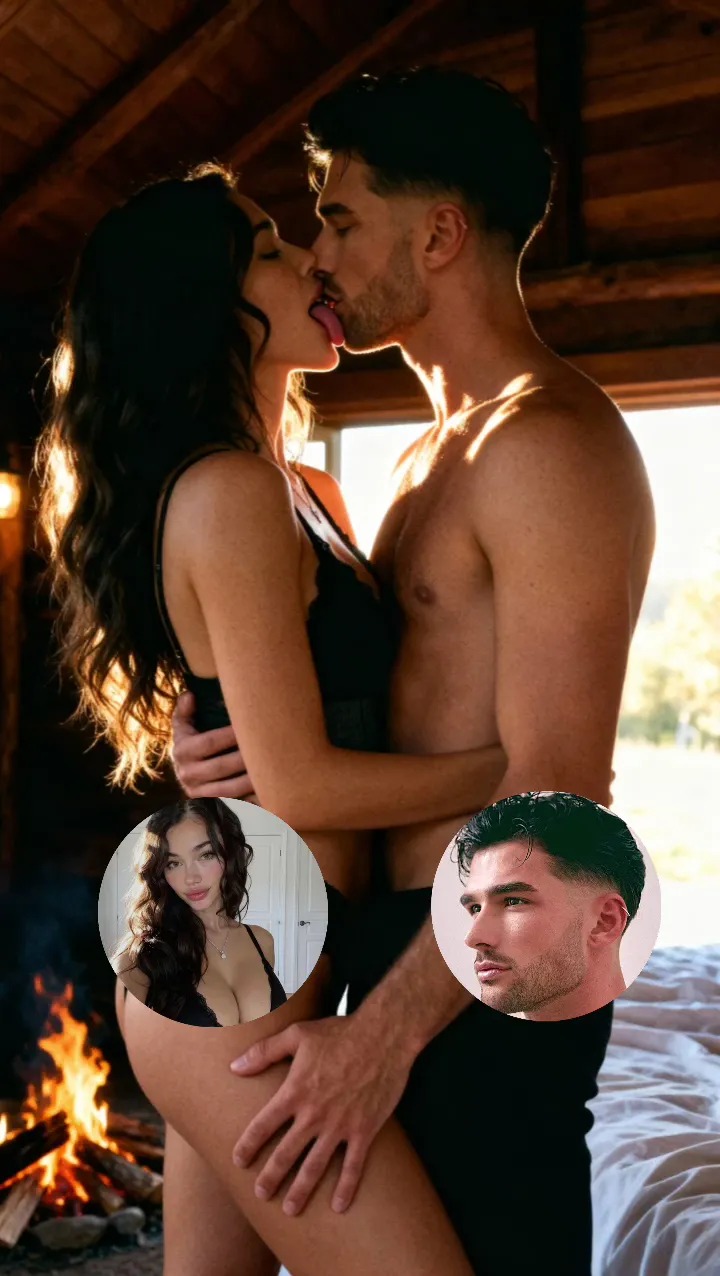


PriveReel template inspiration — not necessarily generated by this model.
Start with text or an image
Describe the subject, action, setting and camera movement for text-to-video. On a site that supports uploads, add a permitted adult image as the first frame. The keyframe workflow can also guide the ending.
Work with reference media
Use reference images when identity, wardrobe or composition must remain stable. Keep the reference separate from unrelated scene changes, and confirm every identifiable person has consented.
Choose settings and review credits
Duration, resolution, aspect ratio and reference use can change the estimate. Choose the shortest output that makes the action readable, then raise quality only after the composition is approved.
Keep the result consistent
Reuse the approved first frame, describe one camera decision and change one variable per retry. If faces, hands or scene geometry drift, simplify the motion before increasing resolution.